Increase Engagement With Overlays
🎬 Perfect your text overlays, and produce viral Higgsfield videos in seconds

Hey there 🧠
Ready for another day of staying ahead of the competition in the Growth race?
Oh and before we go ahead! If your friend sent this to you, be sure to subscribe here! So you don’t miss out on any editions.
Partnership with Khaki
Subscribing to newsletters is easy, reading them should be too.
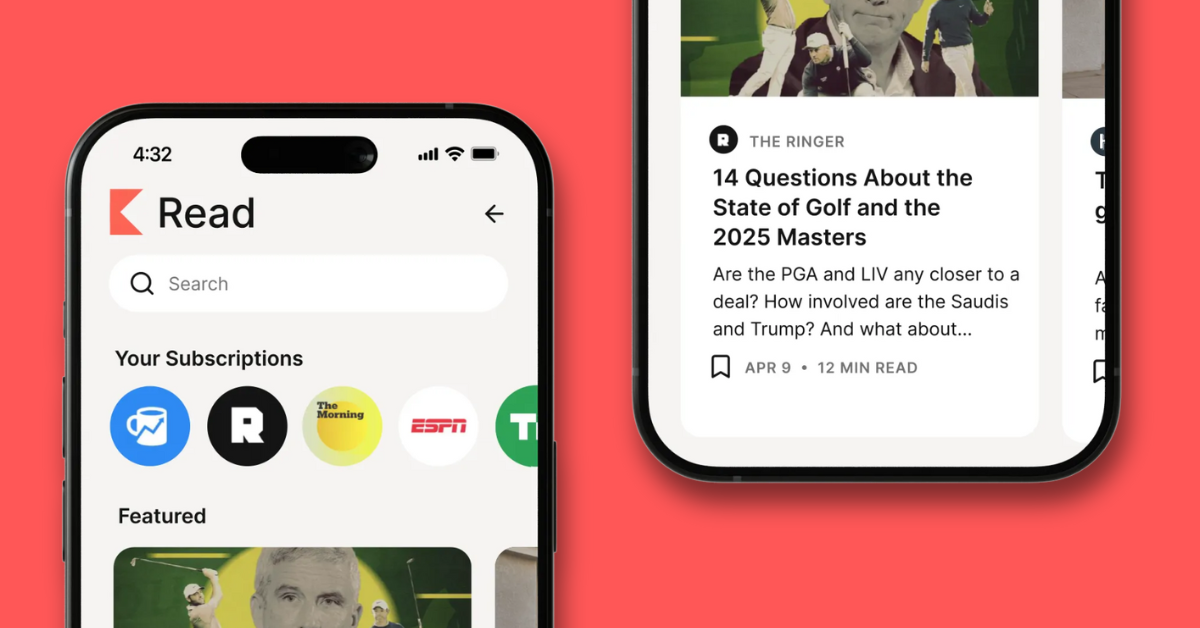
Not only do we write Growth Gen, but we subscribe to and read a lot of them ourselves. But with more newsletters comes more responsibility, and our inbox can’t always keep up.
We recently found Khaki, a free app built exclusively for managing and reading newsletters. They’re still in beta, but the interface is super clean and distraction-free, which makes keeping up with our favorite reads easier than ever.
Sign up with your Gmail and access code NEWSLETTER to try it for yourself!
💡 How to Optimize Text Overlays for Higher Social Media Engagement
Insights from sciencesays
Text overlays can dramatically boost engagement on videos, GIFs, and images when used correctly. New research reveals how placement, size, and balance influence clicks, likes, and comments across platforms.
1️⃣ Best Practices for Text Placement: For videos and GIFs, place text away from the center such as above, below, or to the sides. • On Instagram, text should cover about 11 percent of the frame and can go up to 44 percent. • On X, text can take up to 46 percent of the frame. For static images, center the text and use larger sizing for maximum visibility. Pro Tip: Use the researchers’ tool to verify perfect placement.
2️⃣ What the Research Shows: After four experiments and an analysis of 8,200 posts, researchers found: • X posts saw peak clicks when text covered 24 percent of the frame. • Medium-sized Facebook text overlays delivered 27 percent higher CTRs than large text and 127 percent higher CTRs than small text. • Facebook ads with text near the edges drove 19.4 to 23.3 percent more clicks and were preferred 11 percent more than centered text. • Instagram posts earned the most interactions when overlays covered 11 percent of the frame. Static images performed best with centered, larger text.
3️⃣ Why This Works: Text becomes part of the visual composition. Engagement increases when there is a balanced relationship between the image and the overlay. Factors like color, complexity, and human presence also shape how we interpret and respond to posts.
4️⃣ A Helpful Resource: Get your SaaS ranked in AI results with a free guide from dofollow.com. Learn the AEO framework, practical actions from 100+ campaigns, and a 24-hour impact checklist.
5️⃣ Limitations to Know: The study focused mainly on dynamic visuals. Results for static images are limited. It did not test multiple text overlays or formats like carousels, stories, or interactive posts. Findings apply to social media, though likely relevant for websites and apps.
6️⃣ Real Life Example: Brooklinen uses text overlays but often too small and centered. To boost engagement, they could: • Increase overlay size to roughly 11 percent • Move the text away from the center for better framing • Post educational content in the morning and fun content at night • Add humorous or relatable sleep habits • Highlight user communities and shared experiences for stronger connection

The Takeaway
Optimized text overlays significantly increase engagement across platforms. With the right sizing and placement, your videos, GIFs, and images can attract more clicks, spark interaction, and drive a stronger brand connection.
💡 How to Create Viral Sora Style Videos Without an Invite
You no longer need early access to experiment with Sora style video generation. Higgsfield now lets you produce high quality, cinematic AI videos in seconds using simple prompts and templates.
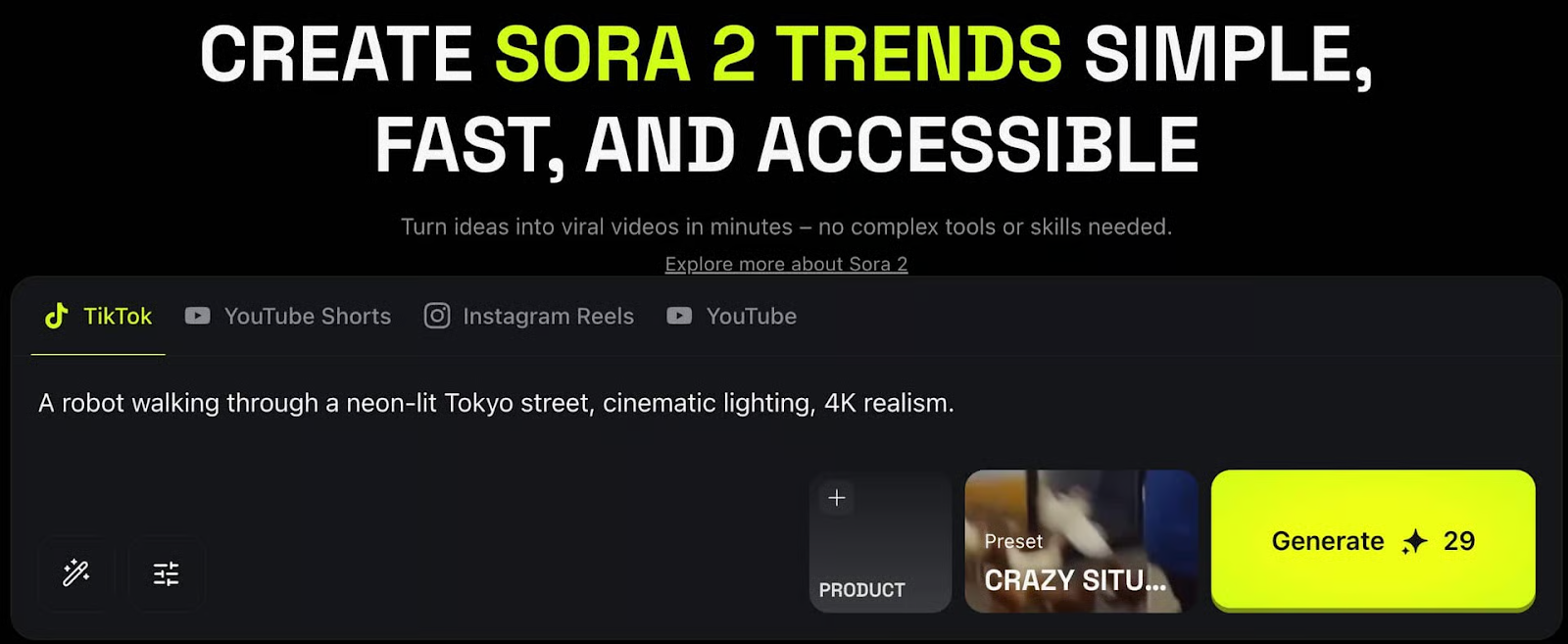
1️⃣ Get Started Easily:Create your account on Higgsfield. From the main dashboard, go to Video → Sora 2. This is the tool that lets you generate videos inspired by Sora's level quality and motion.
2️⃣ Prompt or Upload to Begin:You can start by typing a detailed prompt or uploading a reference image. Choose your preferred duration and aspect ratio for complete control. Sample Prompt: “A robot walking through a neon-lit Tokyo street, cinematic lighting, 4K realism.”
3️⃣ Use Viral Templates: Head to the Sora2 Trends section to pick from trending viral templates. These presets speed up your workflow and help you match the formats that are already generating massive engagement.
4️⃣ Edit and Personalize: Click Edit at the bottom to customize your short. Add visuals, on-screen text, sound effects, or music. This section lets you fine-tune style, pacing, and tone so your video stands out.
5️⃣ Generate Your Video: Type in your topic or idea, hit Generate, and your viral-ready short will be created within seconds. The editor makes it easy to iterate until you get the perfect version.
The Takeaway
Higgsfield gives you a fast, accessible way to create Sora-level AI videos without needing special access. With prompts, templates, and simple editing tools, anyone can produce cinematic, viral-worthy content instantly.
As we prepare more "Growthful" content, we'd love to hear your thoughts on today's edition! Feel free to share this with someone who would appreciate it. 🥰